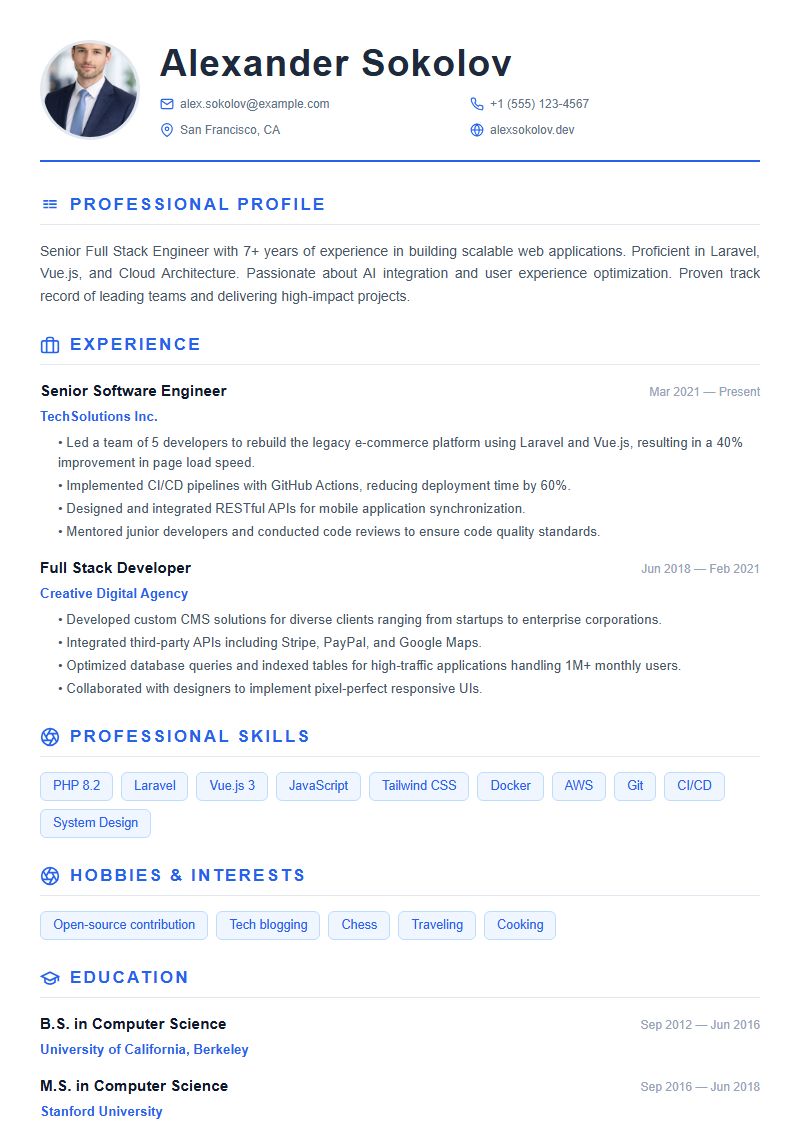
 Free
Free Modern
Clean and minimal design with blue accents
Explore all available templates and choose the one that best matches your job target.
Free Clean and minimal design with blue accents
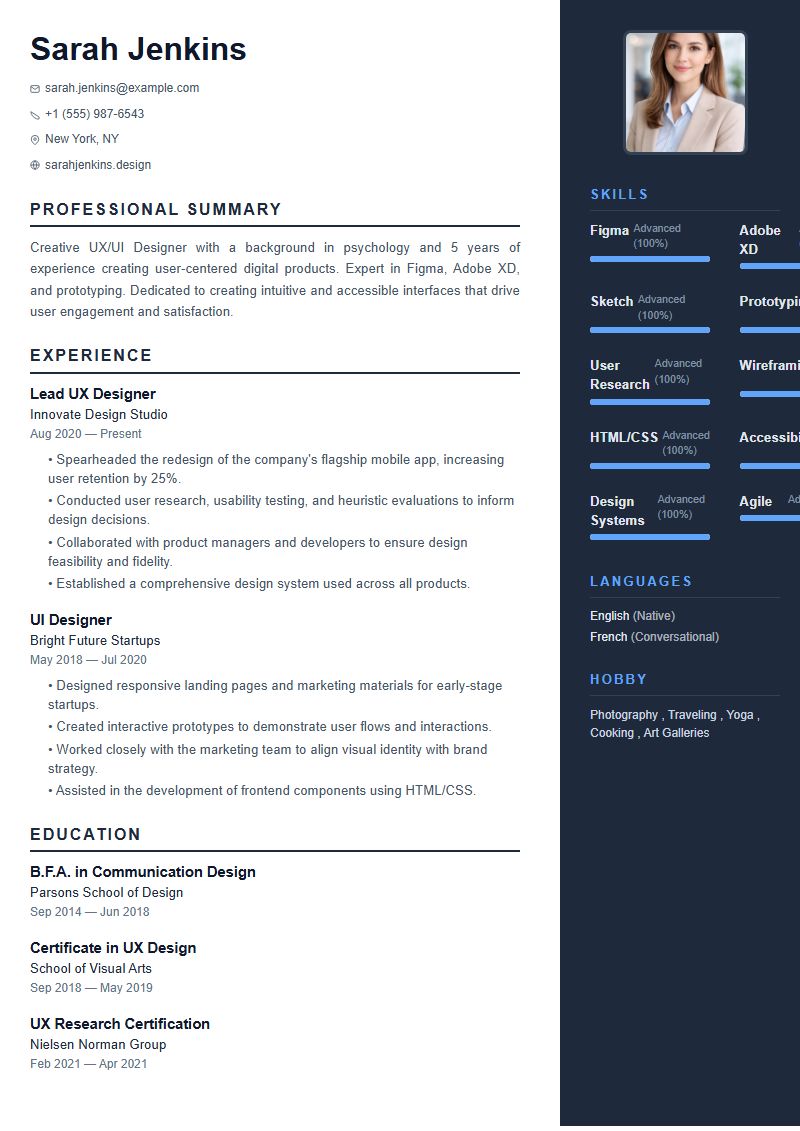 Free
Free Two-column layout with a dark sidebar
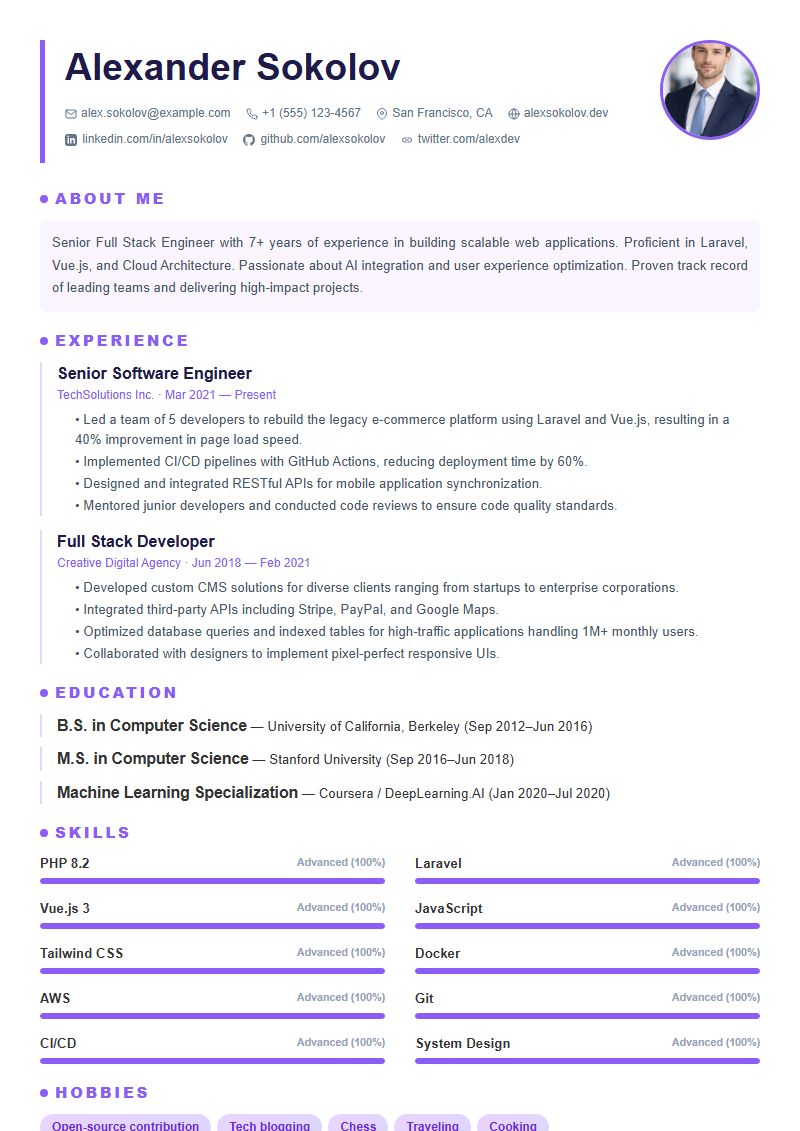 Pro
Pro Bold design with purple accents and gradient tags
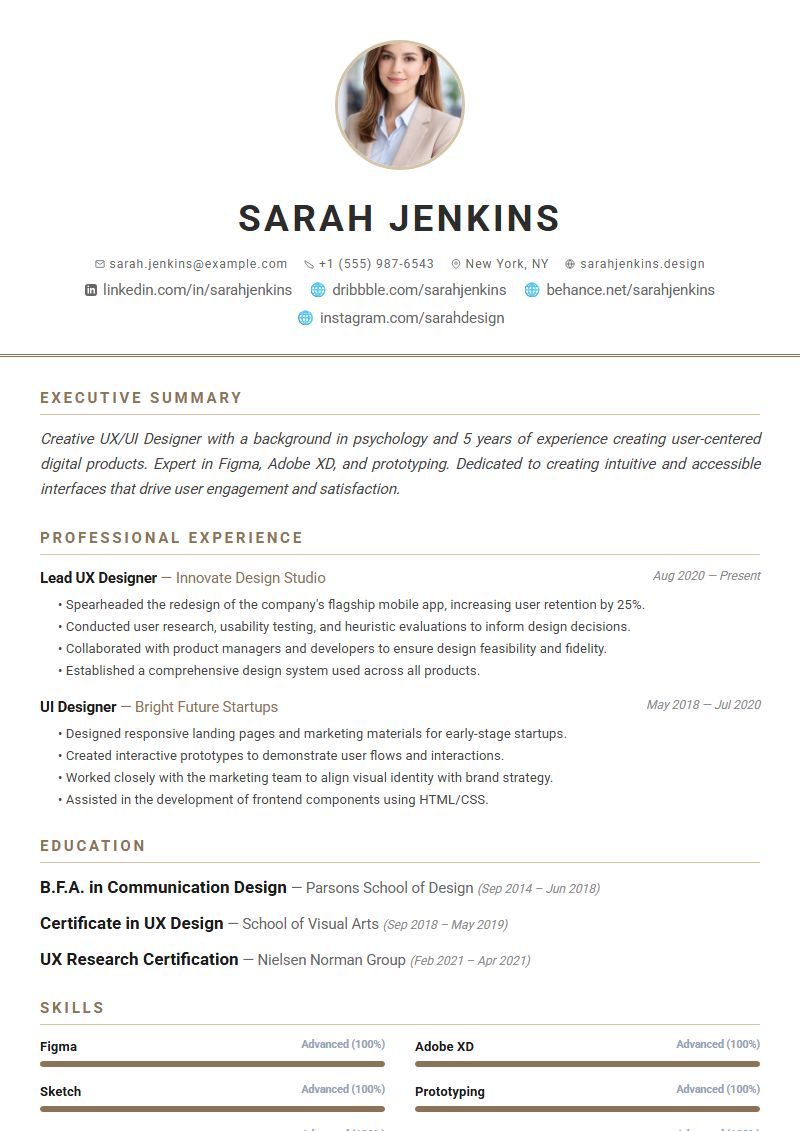 Pro
Pro Elegant, refined layout for senior professionals
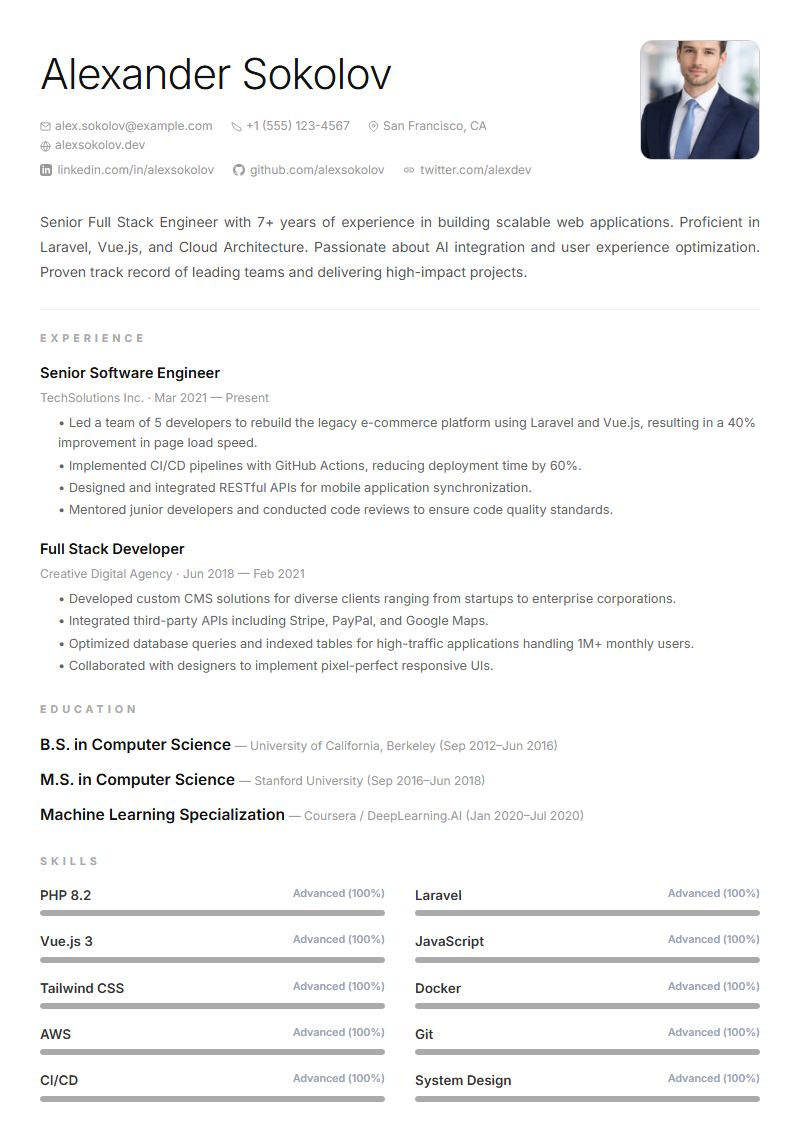 Pro
Pro Ultra-clean with generous whitespace
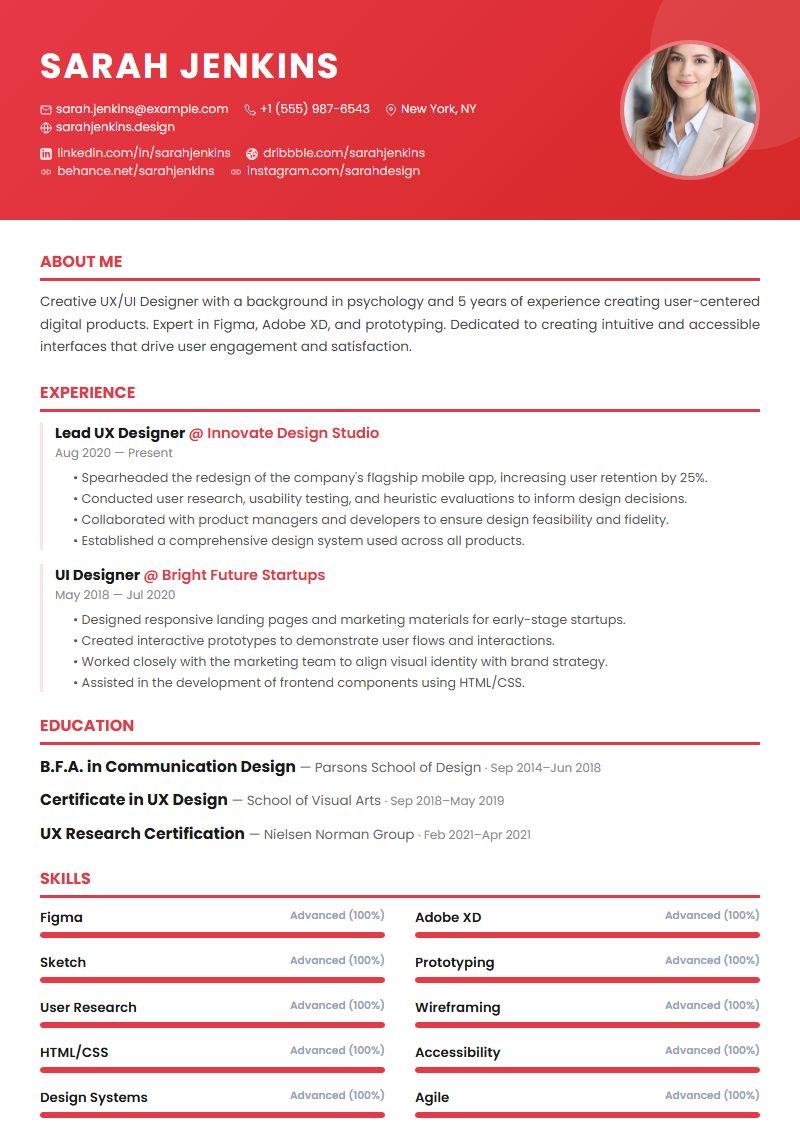 Pro
Pro Vibrant colors and strong visual impact
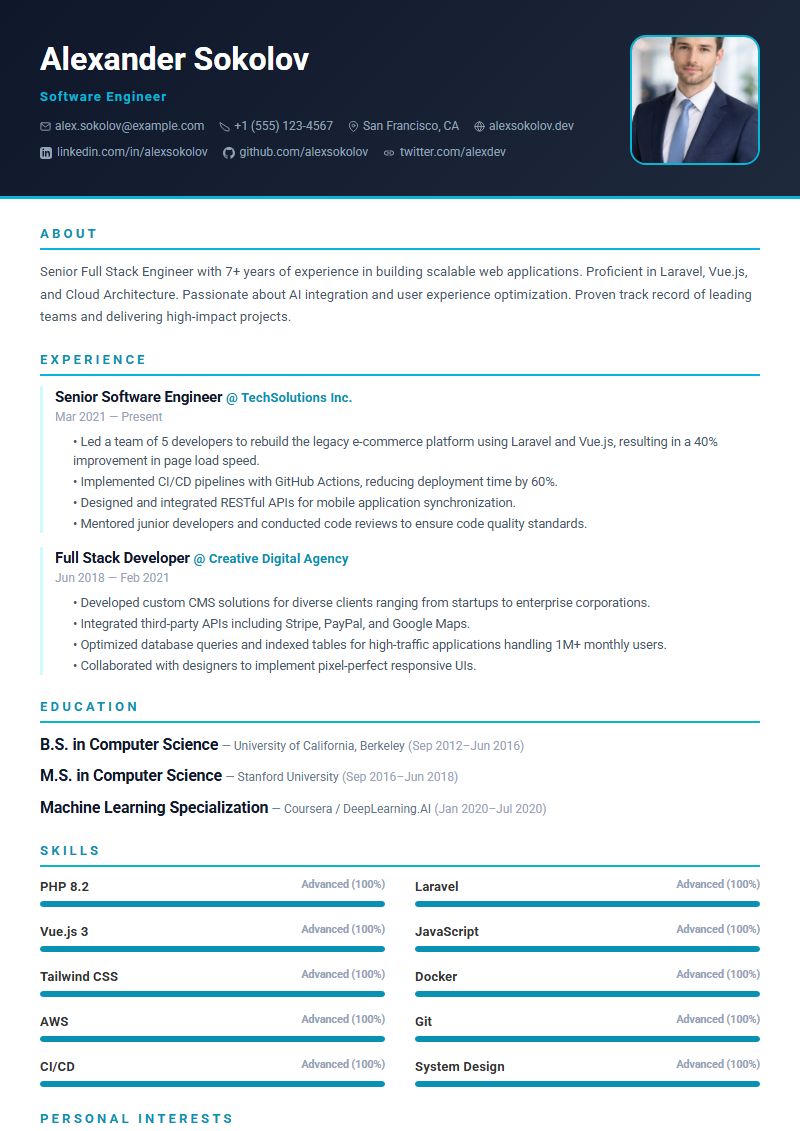 Pro
Pro Modern layout for software engineers and IT professionals
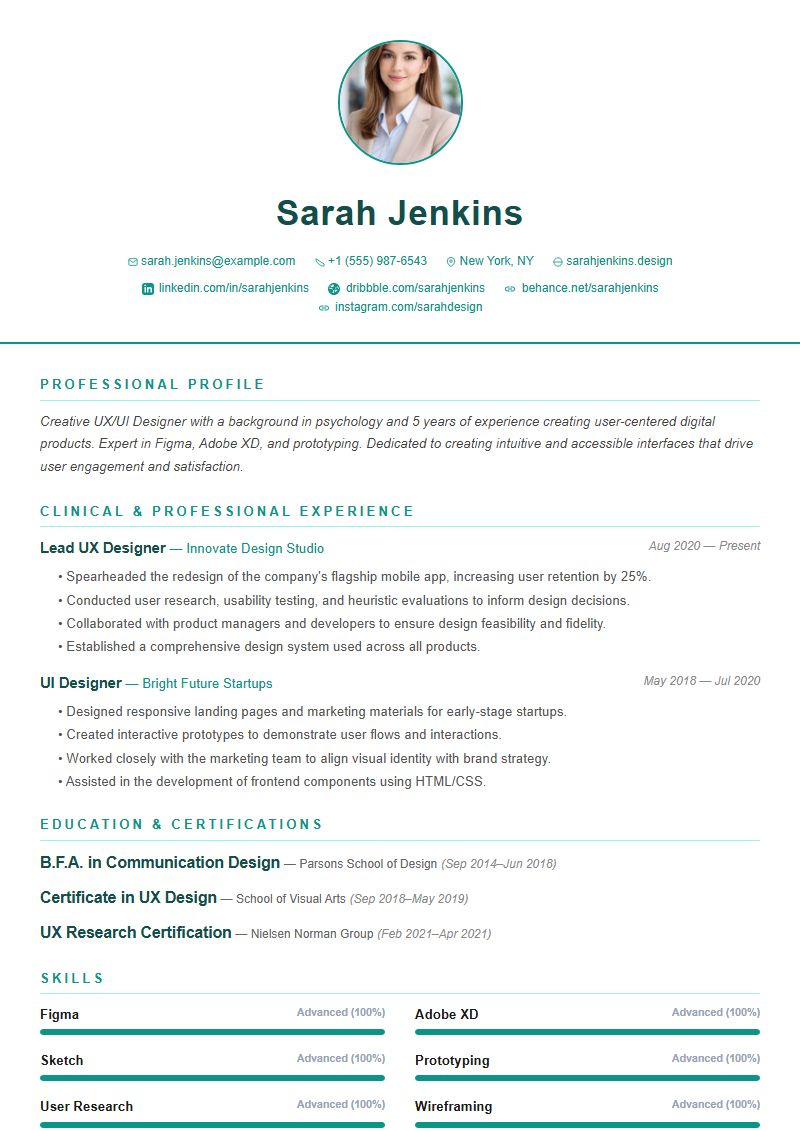 Pro
Pro Clean layout for medical and healthcare professionals
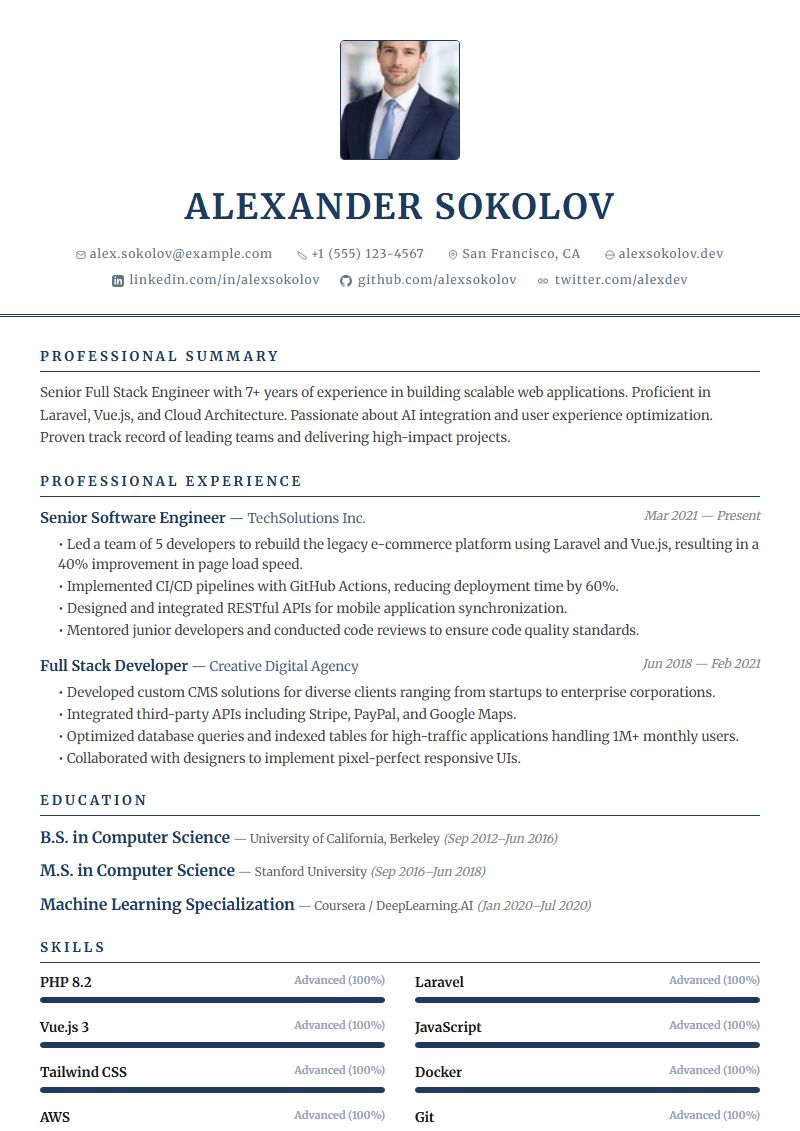 Pro
Pro Professional design for banking and finance careers
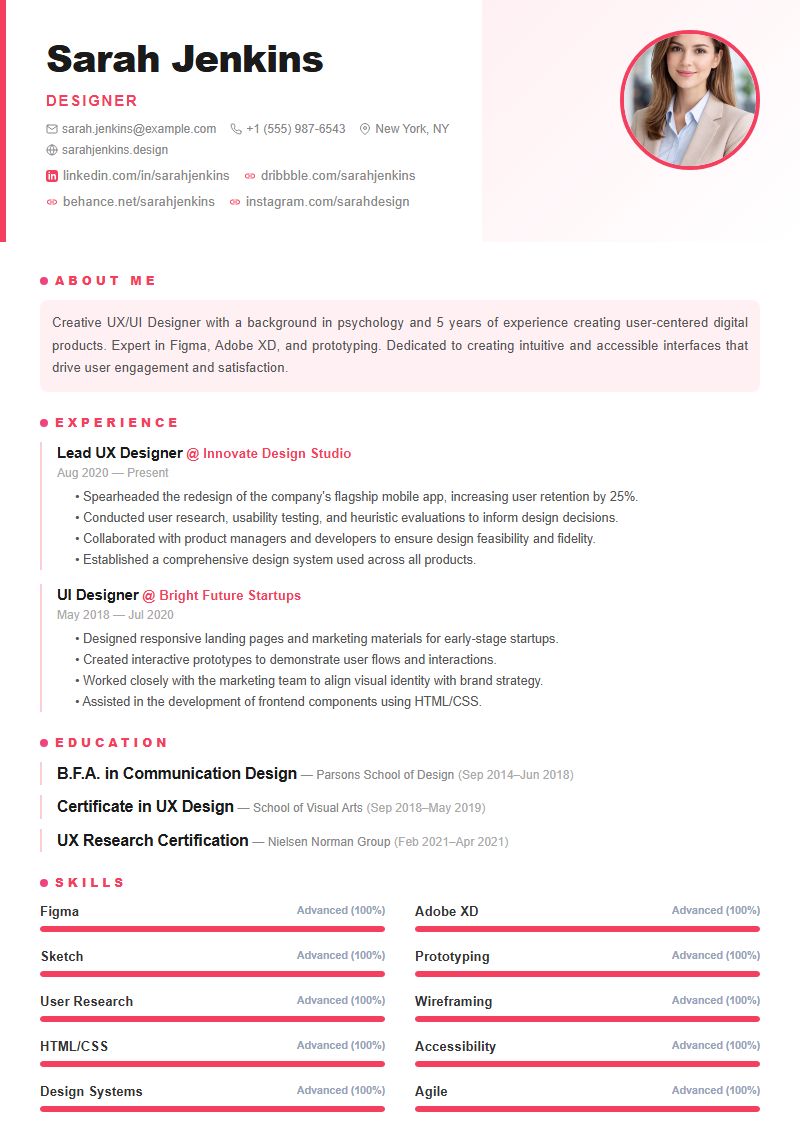 Pro
Pro Creative portfolio-style layout for designers
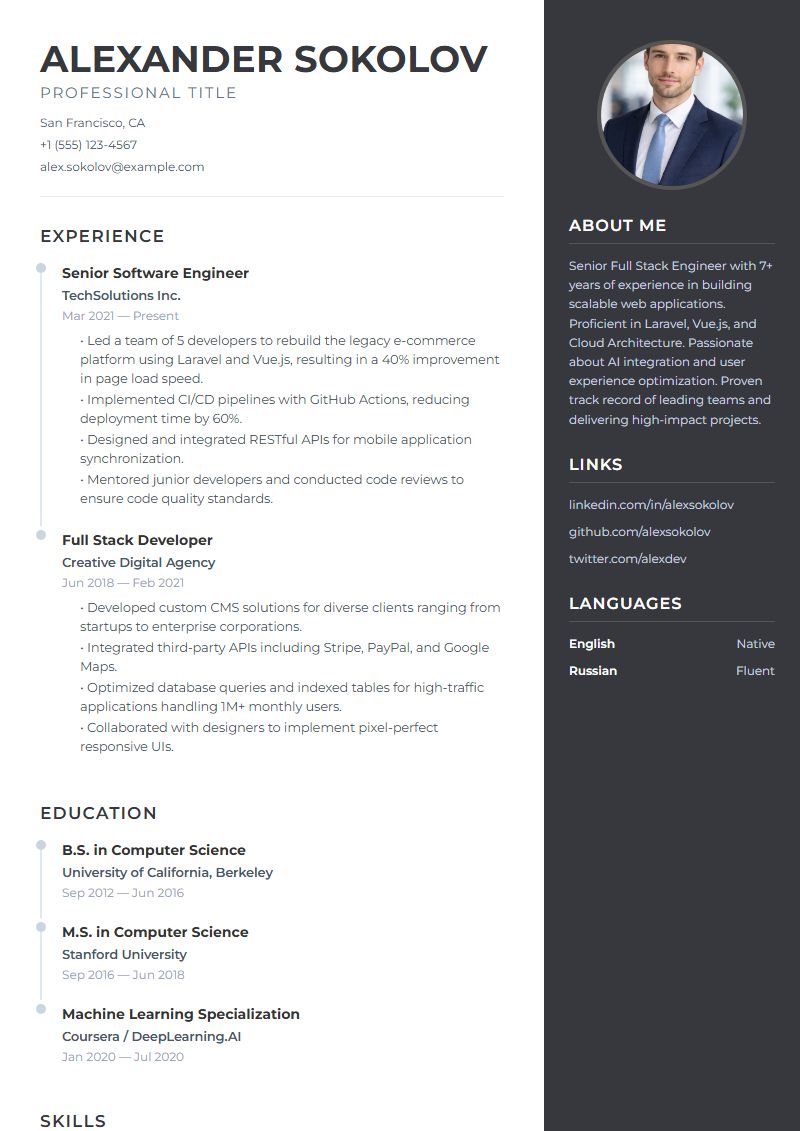 Pro
Pro A visually striking template with a dark sidebar and elegant typography.
Start with the job you want, not with the colors. If you work in a field with its own expectations, there is a template designed for it: Tech for software engineers and IT roles, Healthcare for medical professionals, Finance for banking and finance careers, and Design for designers who want a portfolio feel.
Your experience matters too. Senior professionals and managers usually do well with Executive, which keeps the layout refined and lets a long track record speak for itself. If you are early in your career or changing fields, a clean layout like Modern or Minimalist keeps attention on your skills and education instead of the design. Creative, Bold and Stellar suit roles where a bit of visual personality helps you stand out.
Not sure? Modern and Professional are free, and both download as a clean PDF on every plan. Premium templates download with a watermark unless you spend 10 credits on a clean PDF or use Pro.
Many employers run resumes through an applicant tracking system (ATS) before a person reads them, so structure matters as much as looks. Every AICVResume template exports a text-based PDF, so your words stay readable text rather than a picture. Sections use plain headings such as Experience, Education and Skills, and each job's details appear as a bullet list with the dates beside the role.
A few habits help any template:
Professional and Stellar place your contact details and skills in a sidebar. If your resume will go through an applicant tracking system, Modern or Minimalist is the safer choice, since both keep everything in a single column.
Create a free account, start a new resume, give it a title (for example, "Software Engineer Resume") and pick a template. Then fill in your details, summary, experience, education and skills. AI suggestions can help you improve your summary, experience and skills as you write.
You can switch templates in the editor at any time without retyping anything, and preview the result before you download your PDF.